See it in action
Tap to enlarge.
Twenti sits quietly in your system tray and reminds you to follow the 20/20/20 rule — the simplest way to fight digital eye strain.
Free & open source · View on GitHub
The 20/20/20 Rule
After every 20 minutes of screen time, your eye muscles need a break from sustained near-focus.
Look at something at least 20 feet (≈6 m) away — far enough that your ciliary muscles can fully relax.
Hold that gaze for 20 seconds. That's all it takes to release the tension built up from staring at a screen.
Prolonged screen use forces your eyes into a constant near-focus state. Over time this causes real, measurable fatigue — and most people don't notice until the damage is done.
The ciliary muscle inside your eye contracts continuously to keep screens in focus. Hours of this leads to soreness, blur, and headaches.
Screen users blink only 5–7 times per minute vs. the normal 15. Less blinking means a drier, more irritated ocular surface.
Up to 97% of heavy screen users experience symptoms: tired eyes, blurred vision, light sensitivity, neck and shoulder tension.
Studies show regular near-work breaks reduce dry eye symptoms and improve tear film quality — the 20/20/20 rule is the simplest way to do it.
Tap to enlarge.
×
×
×
×
×
Built with WinUI 3 (Windows App SDK), this aims to be native and light, to be as unobtrusive as possible, but easily accessible.
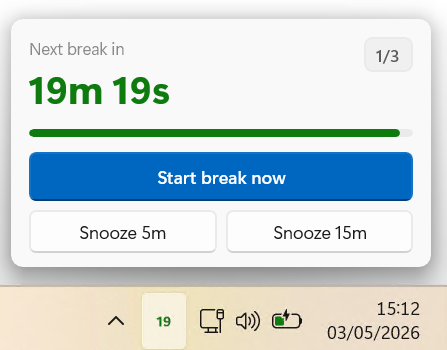
The tray icon shows the minutes remaining until your next break.
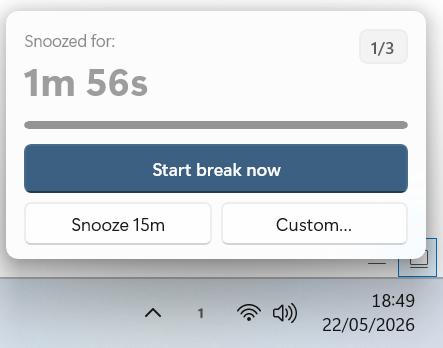
Flyout from the tray with a countdown, a "Start break now" button, and snooze options.
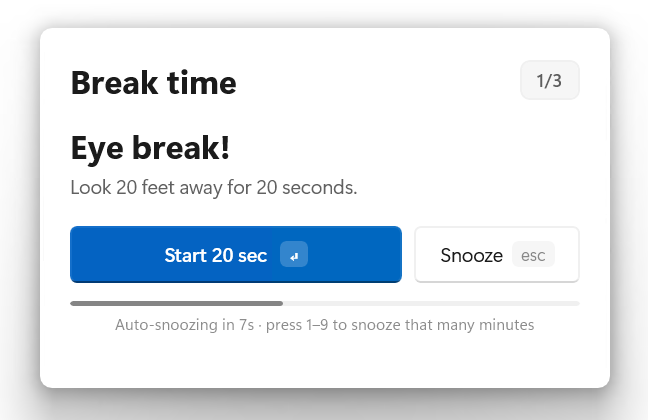
Five seconds before a break is due, a gentle tone plays. Then a the card slides in centred on your screen: Eye break! Look 20 feet away for 20 seconds.
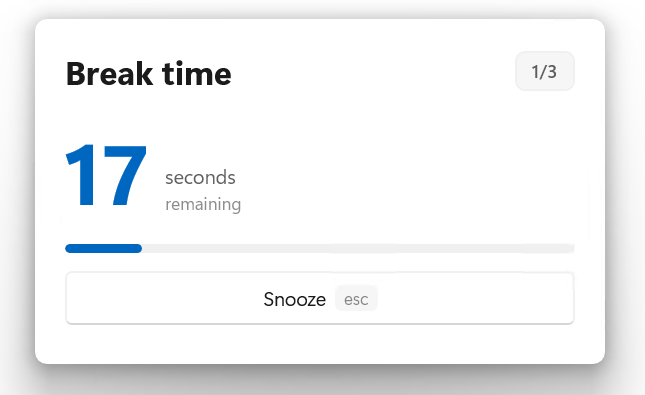
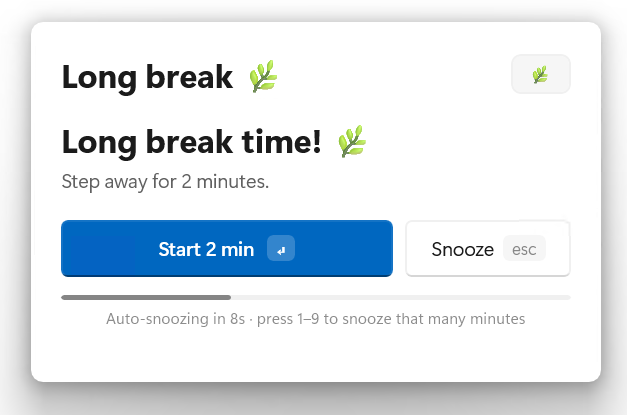
Press Enter and the 20-second timer begins, accompanied by a soothing brown-noise water ambient sound. Press Esc for a 5-minute snooze, or 1–9 to snooze that many minutes. Auto-snoozes after 12 seconds.
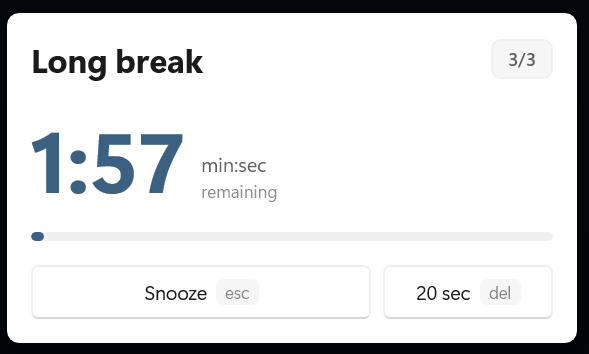
Two short 20-second breaks, then a 2-minute long break. The cycle indicator (1/3, 2/3, 🌿) keeps you oriented.
Snooze 5/15/30 minutes, mute the synthesised sounds, choose which monitor the popup appears on, toggle Start-with-Windows, check for updates, or quit.
Free for Windows 10 and 11. Two flavours — pick what works for you.
Sets up Twenti properly on your system, adds a Start Menu entry, and handles uninstall cleanly. Best for daily use.
Download InstallerExtract and run — no installation needed. Run it straight from USB, a network drive, or anywhere you like. Nothing written to the registry.
Download Portable